How to Build a Productive Home Office in 2026
In 2026, more of us are working remotely than ever. The question isn’t whether you have space. It’s whether the space is designed to support you.
3 min read
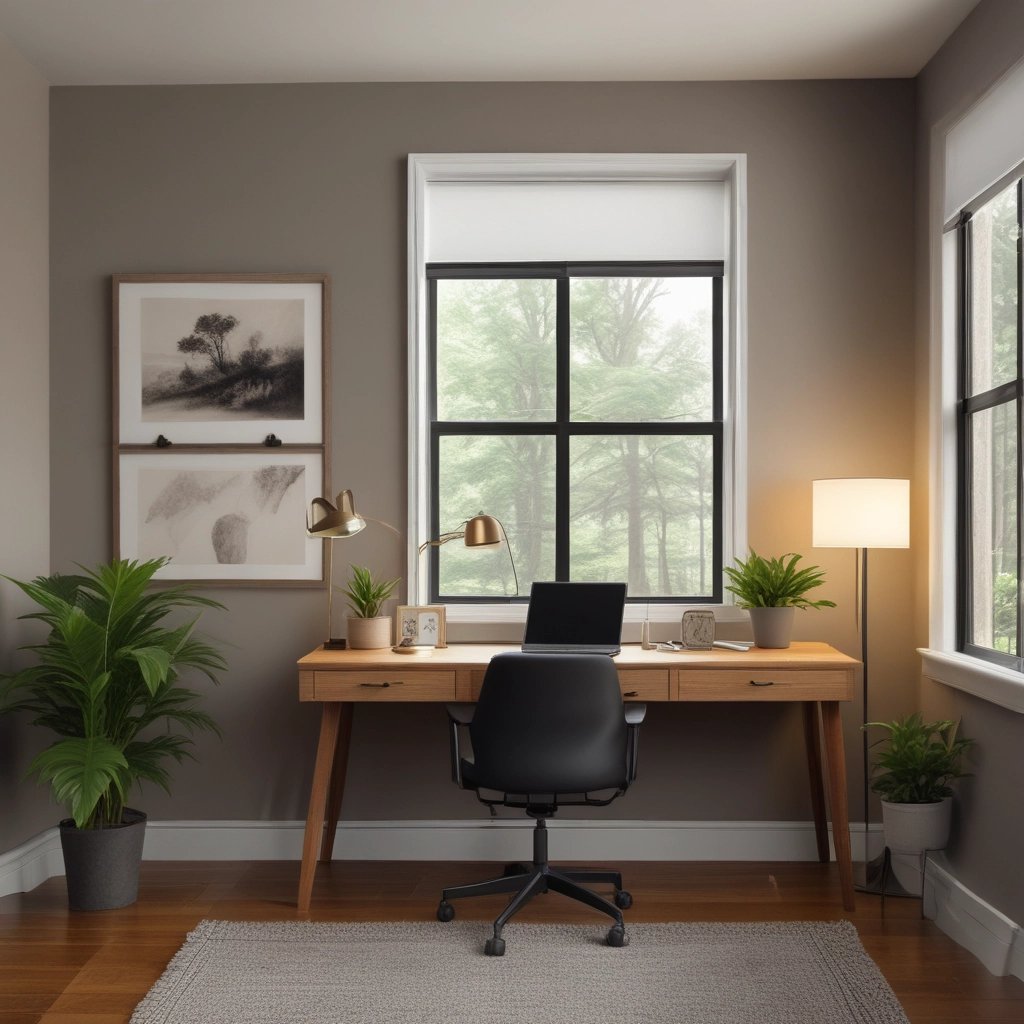
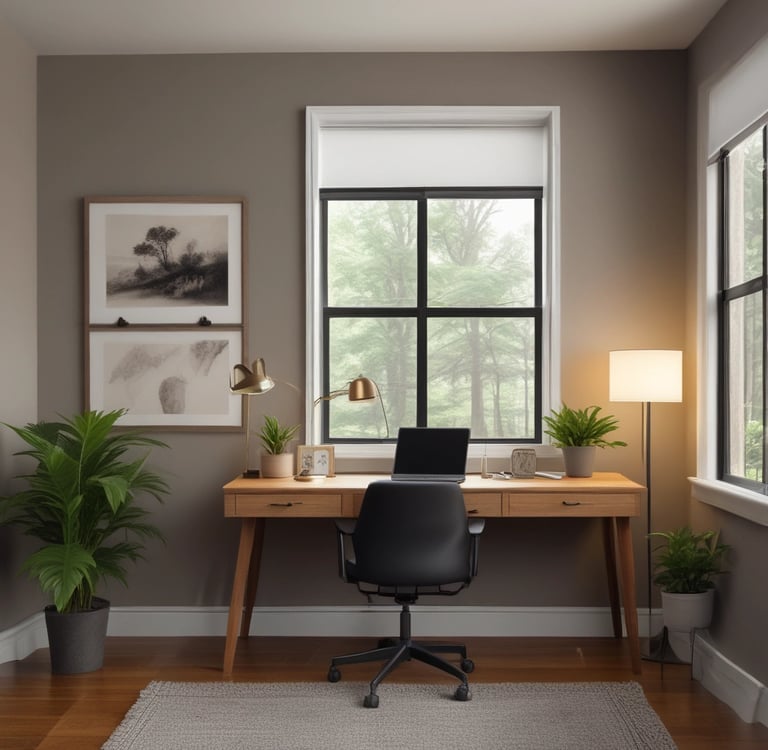
There’s a difference between “working from home” and actually having a home office that works.A lot of people think they just need a desk and a chair. Then three weeks later they’re hunched over a laptop, surrounded by cables, distracted by noise, wondering why they feel exhausted by 2pm.
A calm, productive workspace isn’t about aesthetics alone. The question isn’t whether you have space. It’s whether the space is designed to support you. Here’s how I approach it.
1. Start With Light (It Matters More Than You Think)
Most home offices fail at lighting.
Overhead light only. Too harsh. Or too dim. Or wrong color temperature. Good lighting does three things:
Reduces eye strain
Improves focus
Sets the emotional tone of the room
If you can, position your desk perpendicular to a window. Natural light is unmatched. Then consider:
A focused task lamp
Soft ambient lighting
Neutral 4000K bulbs for clarity
This is one of the easiest upgrades you can make, and it changes the entire feel of the space.
(You can explore my full lighting breakdown in the desk lamp guide linked here.)
_______________________________________________________________________________________________________
2. Fix Ergonomics Before You Fix Anything Else
If your body is uncomfortable, your brain won’t perform. Here is a simple checklist:
Feet flat on the floor
Knees at 90 degrees
Monitor at eye level
Shoulders relaxed, not lifted
The wrong chair creates back pain.
The wrong desk height creates neck strain.
The wrong monitor position creates tension headaches.
This isn’t dramatic. It’s physics.A supportive chair and proper alignment are non-negotiable foundations. Everything else is secondary.
(See the full breakdown and some great, affordable options under $500.)
_______________________________________________________________________________________________________
3. Control Sound, Don’t Just “Deal With It”
Focus dies in unpredictable noise.
Traffic. Kids. Neighbors. Dishwasher. Life.You have three options:
Block sound
Mask sound
Control your reaction to it
Noise-canceling headphones are one of the highest ROI purchases for a remote worker. Even if you don’t use them for music, consistent white noise can dramatically improve concentration.
If headphones aren’t your thing, you can try:
Soft background instrumental playlists
Brown noise
Door seals or simple acoustic panels
Silence is less important than consistency.
(There’s a full guide to the best noise-canceling headphones for home office use here.)
_______________________________________________________________________________________________________
4. Design Your Desk Layout With Intention
Look at your desk right now. How many things on it are actually necessary? Clutter drains attention. Even when you think it doesn’t.
Here’s a good rule to start with:
If you don’t use it daily, it doesn’t live on the desk.
Core setup:
Laptop or monitor
Keyboard + mouse
Notebook
Water
One visual anchor (plant, framed photo, or simple object)
Everything else gets stored. Cable management alone can make a space feel 50% calmer. Velcro ties. Under-desk trays. Simple routing.
This isn’t about minimalism as a trend. It’s about removing decision fatigue.
_______________________________________________________________________________________________________
5. Create a Visual Reset Zone
This is the most overlooked piece. Your brain needs a micro-break location.
That could be:
A chair in the corner
A small side table with a book
A window view
A plant shelf
The idea is to physically shift your posture and gaze for 2–3 minutes between tasks. No phone. No scrolling. Just reset. Productivity isn’t about grinding. It’s about managing energy.
_______________________________________________________________________________________________________
6. Make It Feel Like a Place You Want to Enter
This is subtle, but important. You’re more likely to sit down and work if the space feels intentional.
Small upgrades that change everything:
A textured rug
One framed print
A desk plant
Warm-toned accents if you live in a gray climate
Especially in Pacific Northwest light, warmth matters. The right lamp or wood tone changes the entire emotional weight of a room.
You don’t need expensive decor. You need cohesion.
_______________________________________________________________________________________________________
A Simple Framework
If you want a quick summary:
Light
Body alignment
Sound control
Surface clarity
Micro-reset space
Everything else is extra.
_______________________________________________________________________________________________________
Final Thought
You don’t need a massive room.
You don’t need Pinterest-level perfection.
You don’t need a $5,000 setup.
You need fewer friction points.
A calm workspace reduces stress; reduced stress improves output; Improved output compounds over time.
That’s the goal.
If you want deeper breakdowns of specific gear, I’ve linked detailed guides for lighting, chairs, and headphones throughout this article.
Build slowly. Upgrade intentionally. Keep it simple.
That’s how you make a home office that actually supports you.
Contact: secondshorecollective@gmail.com
Second Shore Collective
Product reviews, creative tools, and curated recommendations designed to help you make smarter decisions.
Site Map
Legal